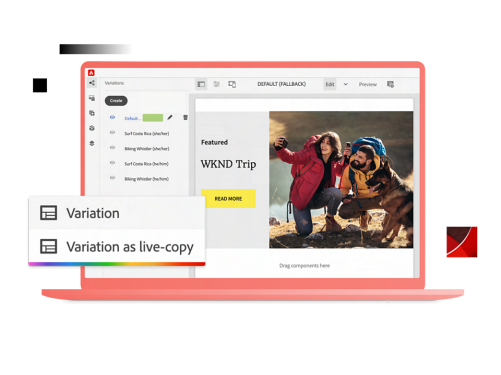
Authoring Web Content with Edge Delivery Services – Document Authoring is a 3-hour course introducing content authors to Adobe’s modern Document Authoring approach for Edge Delivery Services (EDS), using the browser-based DA.live authoring interface.
The course provides a practical overview of the different EDS authoring options, including Document Authoring (DA.live), document-based authoring (Google Docs / Microsoft Word), and the Experience Manager Universal Editor. These approaches are briefly explained and compared so that participants understand when and how each can be used.
The primary focus of the course is hands-on authoring with DA.live. Participants will learn how to create pages, structure content using blocks, manage metadata, reuse content with templates and fragments, work with media, and publish content. All exercises are completed in DA.live.
After each module, key differences between DA.live and document-based authoring (Google Docs / Word) are highlighted. This ensures that participants can apply what they learn across different authoring methods, even though the practical work is done in DA.live.
Authoring with the Experience Manager Universal Editor is discussed for awareness only and is not covered in practical exercises.
The course focuses on everyday authoring tasks and keeps technical concepts at a high level, providing just enough context for understanding how EDS works.
This course is suitable for:
- Beginners who are new to Edge D* elivery Services
- Existing EDS users who want to learn or transition to DA.live authoring
No prior experience with DA.live is required. Familiarity with basic web content editing concepts is helpful but not essential.